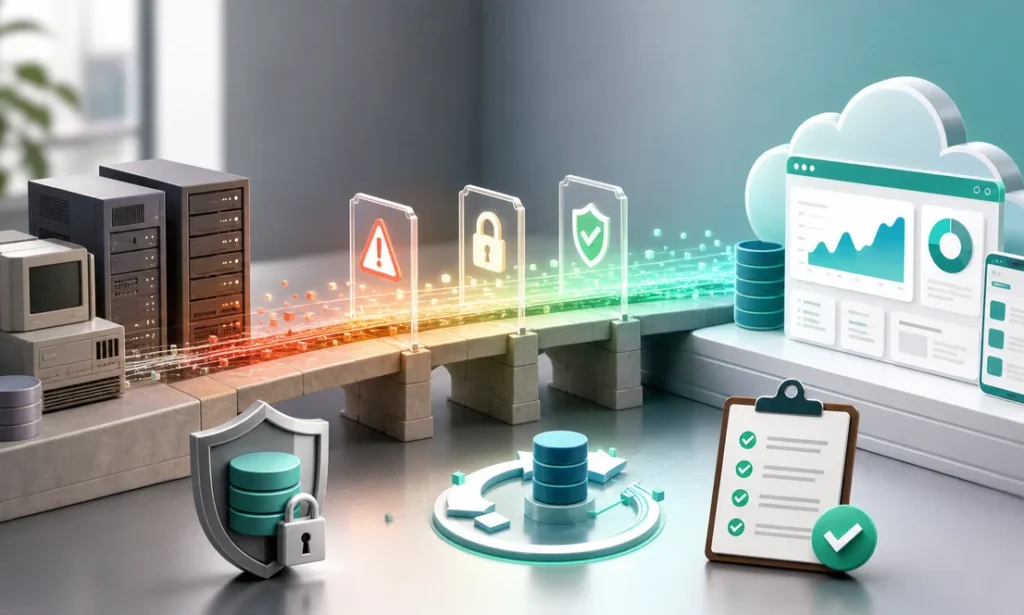
Most legacy migrations do not fail because the new technology is bad. They fail because there was never a real legacy system migration strategy — just a go-live date and a lot of optimism. Whether you are staring down a 20-year-old ERP, an Access database everyone is afraid to touch, or a custom app whose original developer left in 2015, replacing it is like replacing the foundation of a building while people keep working upstairs. It can be done safely. But the sequence matters far more than the speed.
Here are the six steps that de-risk the jump, ranked by how much risk each one removes. Get the first two right and everything downstream becomes easier and cheaper.
1. Map what the old system actually does — not what the manual says
Every legacy system accumulates undocumented behavior: the pricing rule someone hard-coded in 2011, the nightly job that quietly repairs bad records, the export accounting cannot close the month without. Before anyone writes a line of new code, spend two to four weeks interviewing the people who use the system daily, tracing every integration, and cataloging every report that actually leaves the building.
Why it matters: the most common migration disaster is discovering a critical hidden function after cutover, when the person who depended on it is standing at your desk. Mapping first converts unknown risks into a checklist you can price and plan.
2. Decide what you will not migrate
A migration is your one clean chance to leave dead weight behind. In most legacy systems we audit, somewhere between a third and half of the screens, fields, and reports have not been touched in years. Migrating them anyway multiplies build cost and testing effort for zero business value.
Why it matters: every feature you cut is code you never have to build, test, document, or maintain. Companies that skip this step routinely pay to recreate reports nobody has opened since 2019 — and then pay again every year to keep them alive.
3. Pick your migration pattern deliberately
There are three honest options. Big bang: switch everything in one weekend — fastest, riskiest, sane only for small systems with strong test coverage. Strangler fig: build the new system around the edges of the old one, moving one function at a time until the legacy core can be retired. Parallel run: operate both systems side by side for a defined period and reconcile the outputs. For most mid-sized companies, the strangler approach wins: you see working software in 8–12 weeks instead of betting 18 months of work on one terrifying cutover weekend. Our legacy software modernization engagements default to it for exactly that reason.
Why it matters: the pattern you choose sets your risk ceiling. No amount of talented engineering can make a big-bang cutover of a complex system low-risk.
4. Treat data migration as its own project
Legacy data is never as clean as anyone believes. Duplicate customers, orphaned invoices, three different formats for the same part number — plan for data cleanup and mapping to consume 25–40% of total project effort. Run trial migrations early, not the week before go-live, and reconcile record counts and financial totals after every run.
Why it matters: users will forgive an unfamiliar screen. They will not forgive missing history. If the first month-end close on the new system does not tie out to the penny, trust evaporates — and rebuilding trust costs more than rebuilding software.
5. Keep a rollback path until the new system earns it
Define, in writing and before cutover, which conditions would trigger a rollback and who makes that call. Keep the legacy system available in read-only mode for a set window — typically 60 to 90 days — so nobody is tempted to keep entering data in two places, but history stays one click away.
Why it matters: a rollback plan you never use costs almost nothing. Needing one that does not exist can cost you a quarter’s revenue. It also changes team psychology: people make calmer decisions when the parachute is packed.
6. Budget for the 90 days after go-live
Reserve 15–20% of the total budget for the stabilization window: the edge cases that only appear at month-end, the report a regional manager needed but never mentioned, the second round of training. A migration is not finished at go-live; it is finished when the old system is unplugged and nobody notices.
Why it matters: teams that spend their entire budget reaching go-live end up patching the new system with spreadsheets — quietly recreating the exact mess they just paid to escape.
Where to start with your legacy system migration strategy
Start with step one, and keep it small: a two-to-four-week discovery that maps functions, data, integrations, and users, and ends with a written migration plan and a phased budget. It typically costs a low five-figure amount and routinely saves multiples of that by shrinking scope before anyone builds anything.
If the destination is not an off-the-shelf package but a system shaped around how you actually operate, that same discovery feeds directly into custom software development. With a nearshore team, that means senior developers at $4,500–$8,000 per month instead of the $12,000–$18,000 a comparable U.S. hire costs — working your business hours while the old system keeps running. A sound legacy system migration strategy is not about courage. It is about removing the reasons to need courage, one step at a time.
Ready to retire the system everyone is afraid of? Schedule a free 30-minute consultation and we will map the least risky path off of it.
Finding this analysis useful?
Get one email a week with the most important developments in AI and business technology — explained in plain English, with real numbers and zero spam.
Want this working in your business?
Book a free 30-minute session: we look at your case and tell you what is worth doing (and what is not) — no strings, no sales pitch.
Book a free session →