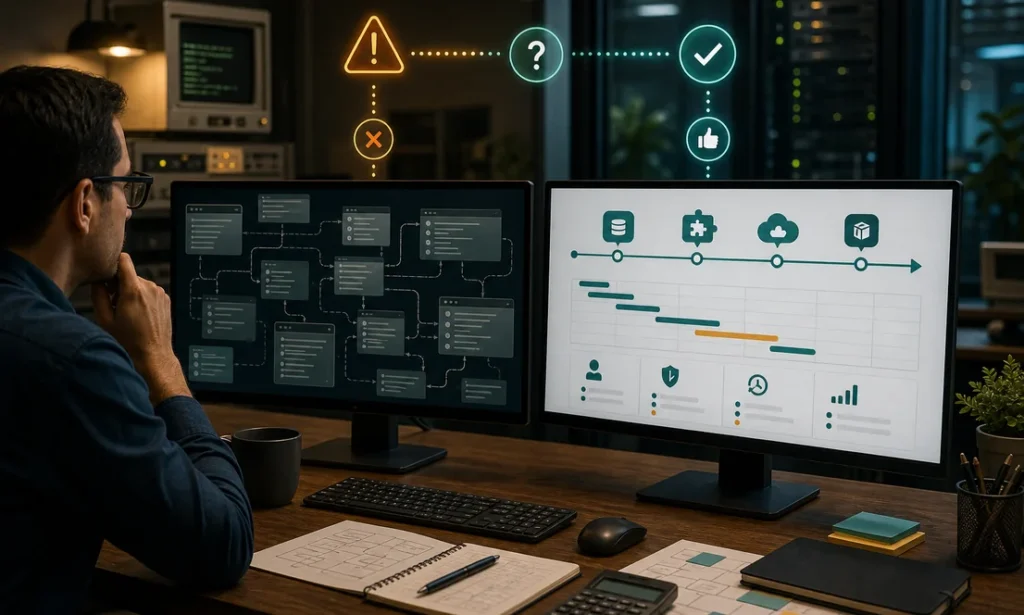
Legacy software modernization is the rare IT decision where doing nothing is sometimes the smartest move — and sometimes the most expensive mistake a company makes this decade. That 15-year-old system running your operations is simultaneously an asset (it works, everyone knows it, it is paid for) and a liability (nobody dares touch it, the one developer who understands it is retiring, and it cannot talk to anything built after 2015). This is a decision guide, not a sales pitch: when modernization pays, when it does not, and a verdict for the scenarios we see most often in mid-sized companies.
Legacy software modernization: when it pays and when it doesn’t
| Modernize when… | Leave it alone when… |
|---|---|
| The platform is losing vendor support or security patches (end-of-life) | The system is stable, patched, and vendor-supported |
| You cannot hire anyone willing to work on the stack | Your team maintains it comfortably and knowledge is documented |
| Business changes (new products, channels, locations) get blocked or take months | The business process it serves has not changed in years and will not |
| It cannot integrate with the tools the rest of the company runs on | It runs isolated by design and nothing needs its data in real time |
| Downtime or data loss would be existential and backups/failovers are shaky | Failure would be an inconvenience, not a crisis |
| Maintenance costs grow every year while output shrinks | Annual maintenance is cheap and predictable |
Score yourself honestly on the left column. One match is a yellow flag to monitor. Two or more — especially end-of-life or the hiring problem — means the question is no longer whether but how, because these risks compound: the longer you wait, the fewer people can execute the migration safely.
The four ways to modernize (they are not equally expensive)
1. Wrap it. Keep the legacy core, build a modern API layer around it so new tools can read and write its data. Cost: $15,000–$50,000. Best when the core logic is sound but isolated. This is the most underused option — many “we need a new system” projects actually need this.
2. Replatform. Move the same application to modern infrastructure (cloud, supported database, current runtime) with minimal logic changes. Cost: $30,000–$100,000. Buys security and stability, not new features.
3. Strangler rewrite. Rebuild module by module, routing users gradually from old to new while both run. Cost: spread over 12-24 months, typically $80,000–$300,000 total. Slowest but safest for systems that cannot afford a hard cutover.
4. Full rewrite. Build the replacement, migrate data, cut over. Cost: comparable to a strangler but compressed and riskier — the big-bang cutover is where modernization horror stories are born. Justified when the legacy system is small enough to replace in months or too broken for coexistence.
Verdict by scenario
“It works fine, but it’s old”
Leave it alone — with conditions. Age is not a defect. Document how it works while people who know it are still around, verify backups actually restore, and put a calendar reminder to re-run the table above yearly. Spending $150,000 to replace a working system out of aesthetic discomfort is how IT budgets die.
“It works, but it’s an island”
Wrap it. If the complaint is “we re-type data from the old system into Excel and the new CRM,” you need an integration layer, not a replacement. Cheapest win in this list, delivered in weeks.
“The vendor is dead / the stack is unsupported”
Replatform or begin a strangler rewrite now, on your schedule. Unsupported platforms fail on their schedule — usually during your busiest season. Waiting converts a planned project into an emergency, and emergencies cost double.
“Every business change takes months and three workarounds”
Strangler rewrite, starting with the module that blocks the most revenue. This is the strongest business case for full modernization: the cost is not maintenance, it is the growth you are not capturing. Quantify one blocked initiative and the project usually pays for itself.
“One person understands it, and they retire next year”
Start yesterday. Knowledge-risk is the deadline you cannot negotiate with. Phase one is not code — it is paying that person to document and transfer while you plan the technical path.
The mistakes that turn modernization into a crater
- Rewriting features nobody uses. Audit actual usage first; legacy systems typically carry 30-50% dead functionality. Do not pay to rebuild it.
- Letting the new system’s wishlist grow during the migration. “While we’re rebuilding, can we also add…” is how a 12-month project becomes a 30-month project. Replicate first, improve second — ship parity, then iterate.
- Treating data migration as a footnote. Fifteen years of inconsistent data is regularly a third of total project effort. Budget it explicitly.
- Big-bang cutovers by default. If the business runs on the system, coexistence beats courage.
- No rollback plan. Every cutover needs a tested way back. “It will work” is not a plan.
The bottom line
Modernize when the system blocks the business, resists integration, or lives on borrowed time — and leave it alone when it is merely old. When you do act, prefer the smallest intervention that solves the actual problem: wrap before replatform, replatform before rewrite. If you want a second opinion before committing budget, our technology consulting team does exactly this assessment — including telling you “keep it” when that is the honest answer. And when the verdict is rebuild, our custom software development teams in Mexico deliver a first working module in 8-12 weeks, at 40-60% below US rates, in your time zone. Either way, decide on evidence, not on how embarrassing the login screen looks.
Finding this analysis useful?
Get one email a week with the most important developments in AI and business technology — explained in plain English, with real numbers and zero spam.
Want this working in your business?
Book a free 30-minute session: we look at your case and tell you what is worth doing (and what is not) — no strings, no sales pitch.
Book a free session →